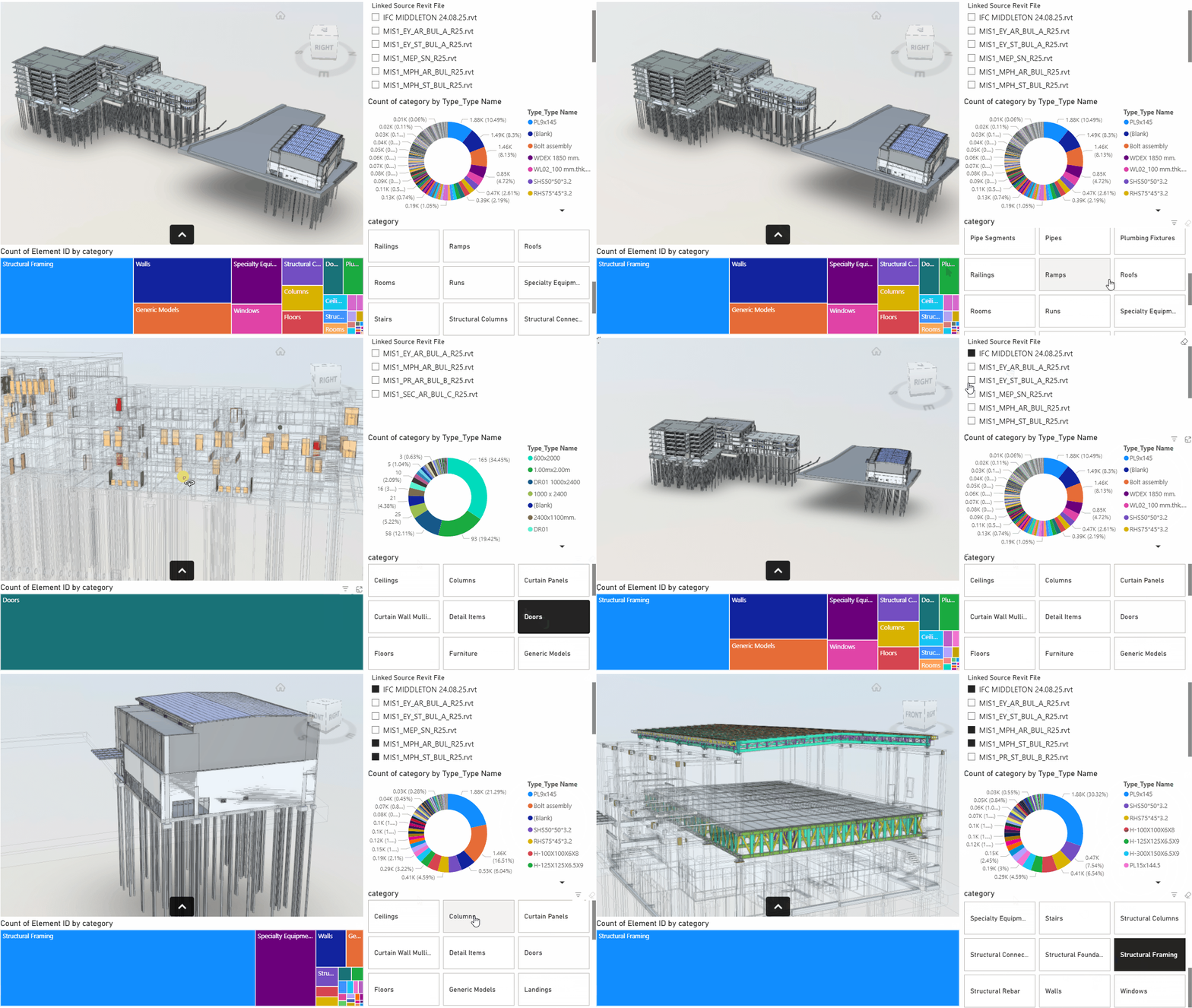
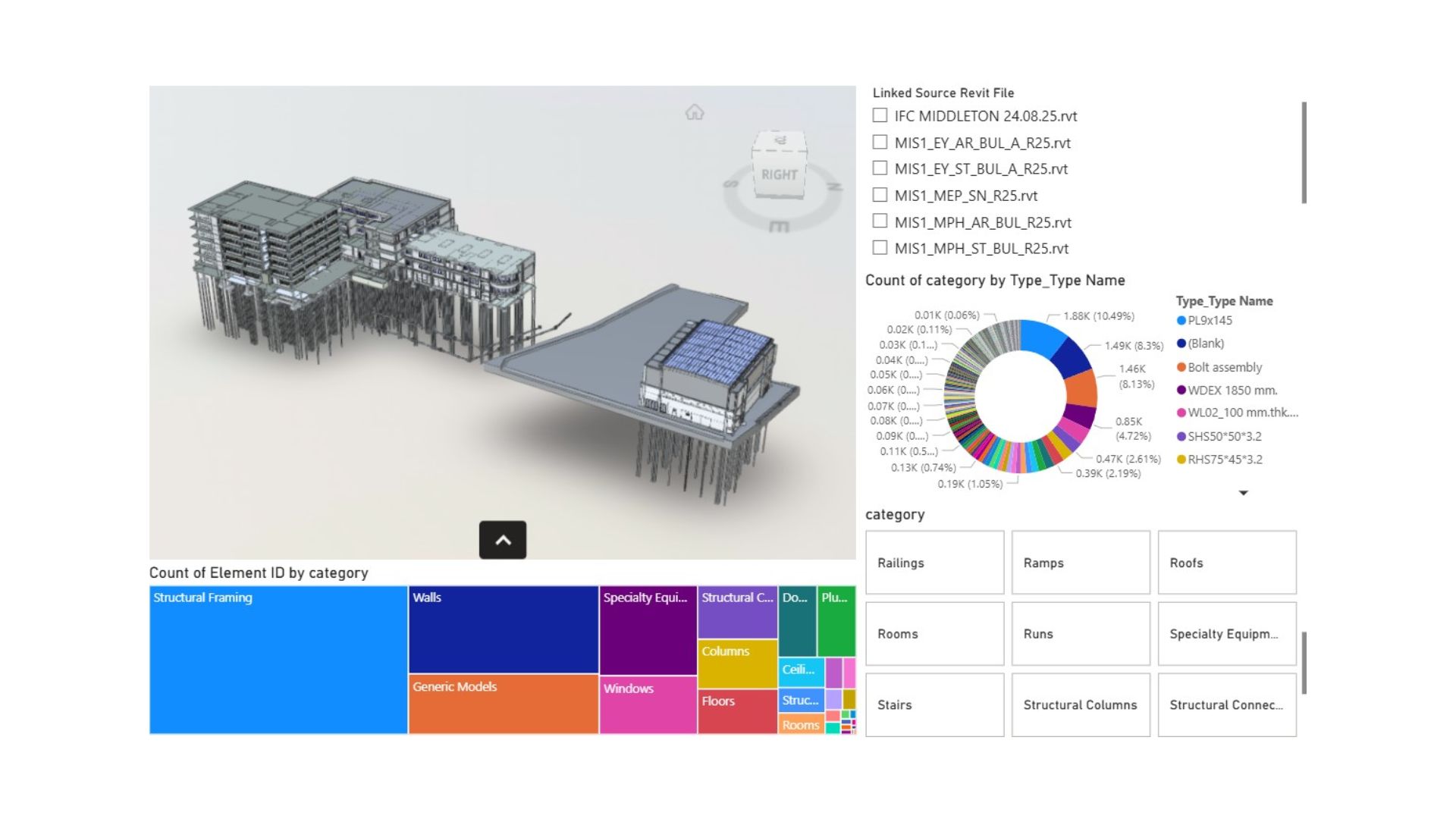
- Developed a Business Intelligence Dashboard using Power BI to visualize data extracted directly from a Building Information Model.
- The dashboard provides high-level overview of model data and facilitates the discovery of actionable insights.
- Focused on key areas like quantity takeoff, element status tracking, cost analysis, or scheduling metrics derived from the BIM model.
- Aimed to enhance decision-making by making complex BIM data accessible and visual for project stakeholders.
BIM Model Data and Insight Dashboard
What?
How?
- Extracted data from the BIM model using appropriate tools (e.g., Revit/Navisworks APIs, specific export formats, or third-party connectors).
- Processed and cleaned the raw model data to ensure quality and relevance, selecting only the necessary parameters (e.g., type, material, volume, status).
- Integrated the cleaned data into Power BI, establishing relationships and necessary calculations.
- Designed and developed an interactive dashboard with visualizations to transform the data into meaningful insights.
Method
flowchart TB
A[" Extract Data from BIM Model"]
B[" Clean & Select Data (Focus on required parts)"]
C[" Load Data into Power BI"]
D[" Create Dashboard & Find Insight"]
A e1@--> B
B e2@--> C
C e3@--> D
e1@{animation: fast }
e2@{animation: fast }
e3@{animation: fast }
Example